Chroma Shader
- 29-06-2026, 13:23
- 359
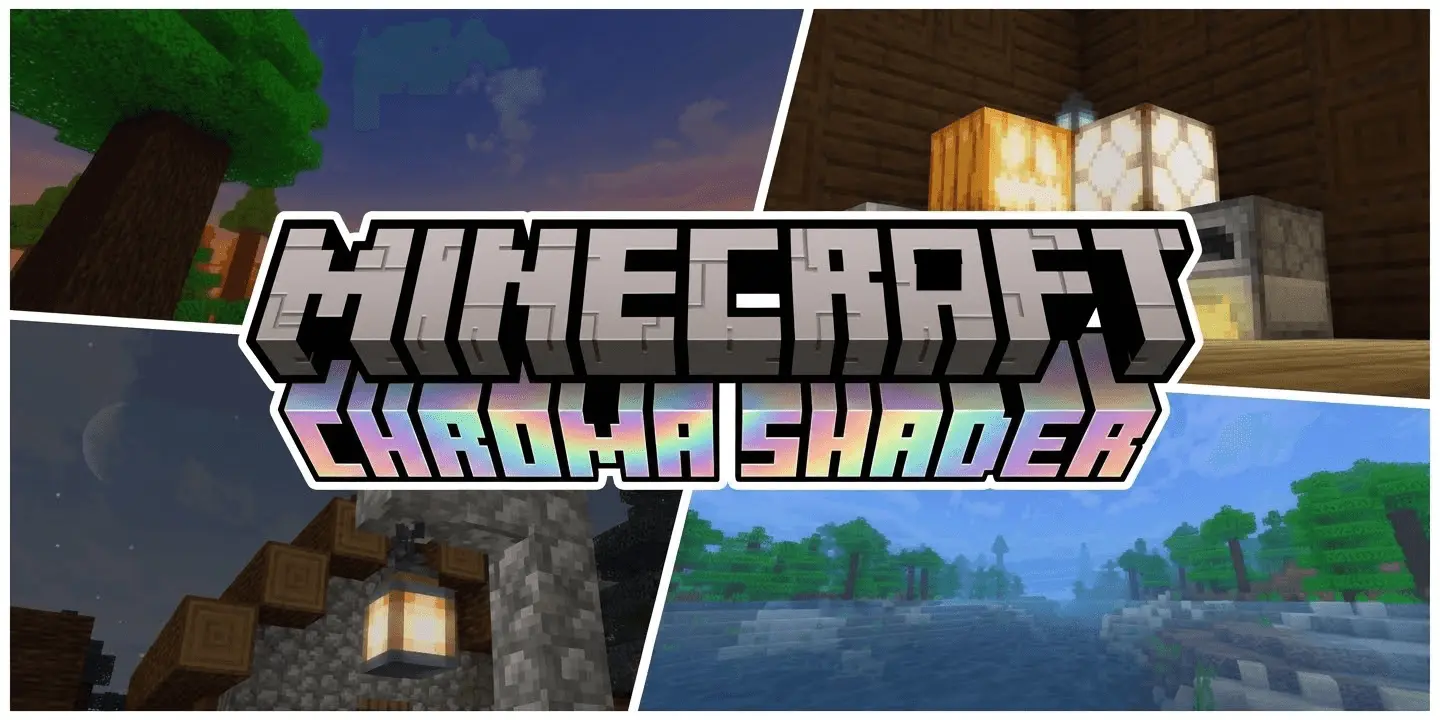
Upgrading your graphics on Minecraft Bedrock has been a massive headache ever since the Render Dragon engine update broke traditional custom shaders. If you are tired of downloading broken files, dealing with sketchy patched APKs, or watching your frame rate drop to zero just to get some basic shadows, the Chroma Shader is the exact overhaul your world needs. It delivers a premium visual upgrade that works seamlessly with the game's modern engine, giving you top-tier graphics without forcing you to jump through ridiculous technical hoops.
High-End Visuals, Zero Lag
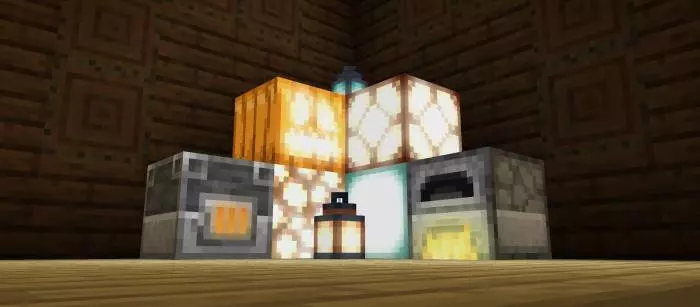
Most ultra-realistic lighting packs completely tank your device's performance, but Chroma is specifically optimized to boost your world's aesthetics without hurting your frame rate. It is built to run effortlessly on low-end devices while still delivering incredibly dynamic, smooth lighting across your entire save.
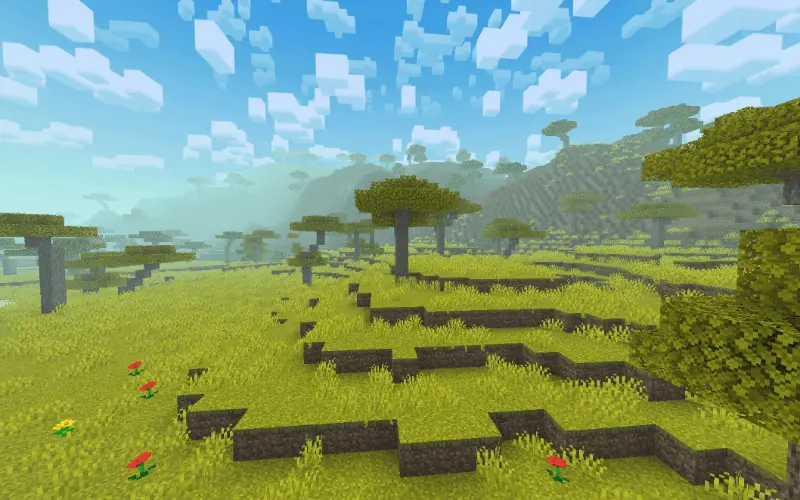
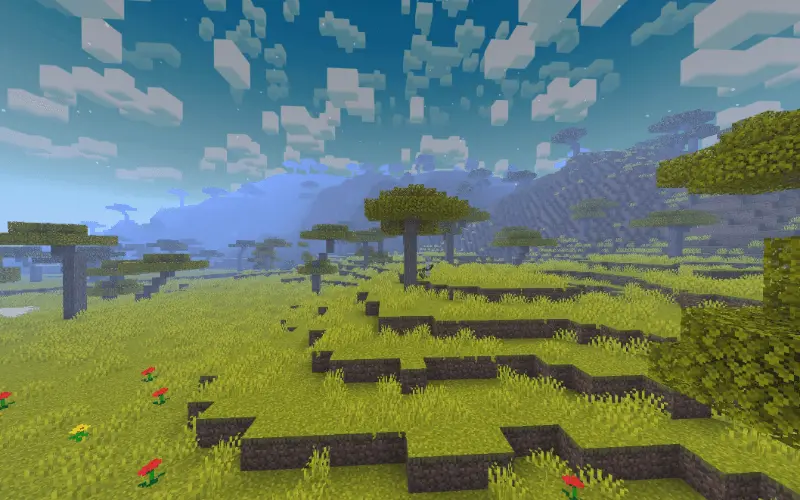
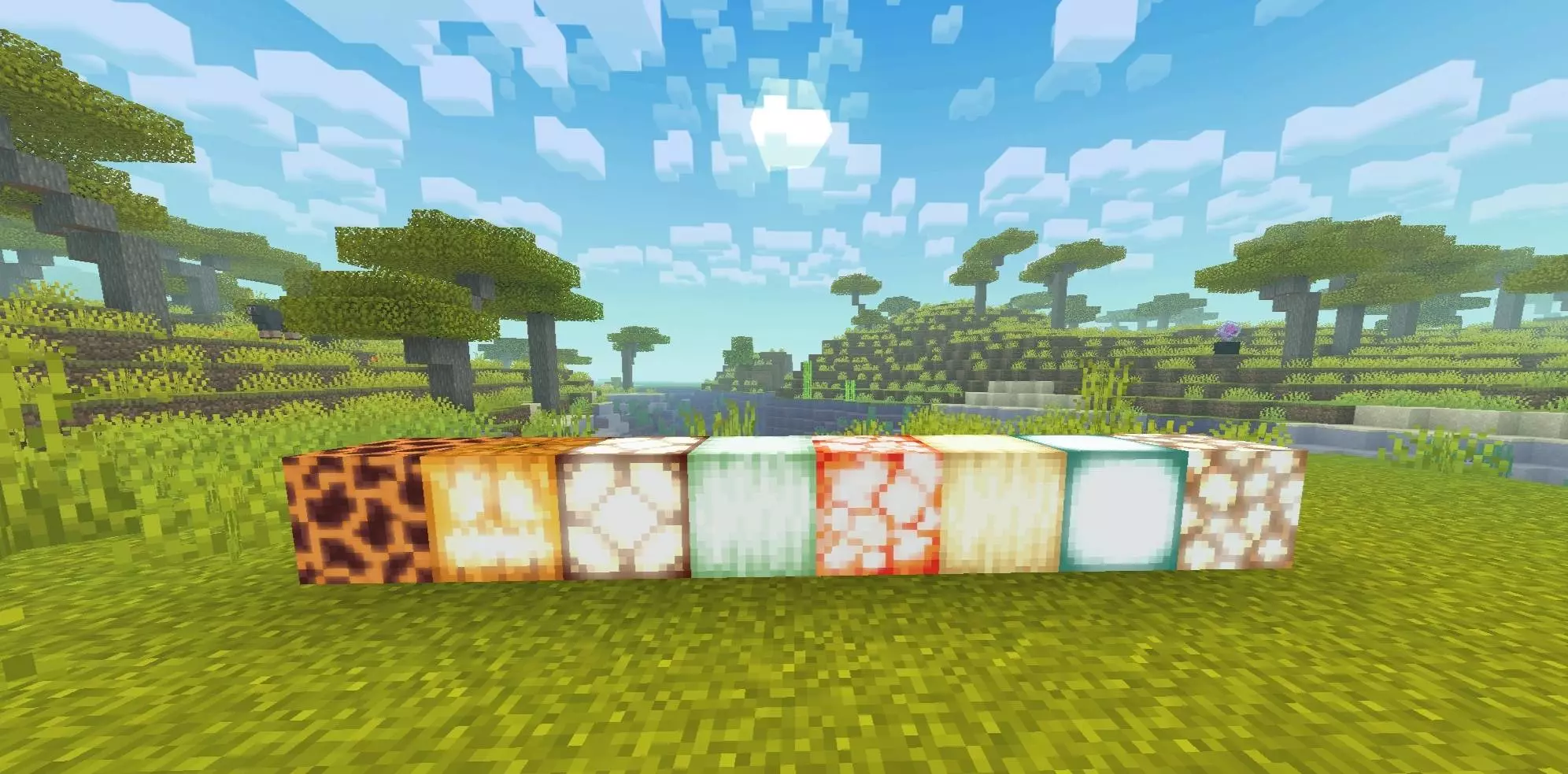
Instead of the flat, static vanilla environment, you get atmospheric, realistic fog that actually reacts to the time of day. The pack also introduces waving leaves and shimmering water physics that genuinely make your biomes feel alive and immersive, instantly elevating the basic blocky aesthetic to something that feels cinematic.
A True Non-Patch Experience
The absolute best part about running this specific shader is how effortless it is to set up. Because it is a true non-patch shader designed to be fully Render Dragon compatible, you do not have to mess around with custom third-party injectors, risky clients, or complicated file modifications that might corrupt your game.
You just import the lightweight pack, toggle your required visual settings, and load straight into your realm. Whether you are trying to capture beautiful screenshots of a massive custom base or just want a highly immersive atmosphere for your everyday survival grind, this shader completely transforms your game while keeping performance perfectly stable.
How to install?
- Download resource pack;
- Run and open the .mcpack file in the game;
- Select a texture in the menu;
- Enjoy!
Comments (0)