Realistic Water (Vibrant Visuals) Shader
- 29-06-2026, 07:59
- 171
The Realistic Water pack replaces flat vanilla oceans in Minecraft Bedrock with actual physics, moving waves, and custom bottom shadows. It includes four performance options, so you get better graphics without ruining your frame rate.
Standard water in MCPE looks incredibly basic. It is just a flat blue block that does nothing. If you want something that looks like an actual river or sea, this Realistic Water shader fixes the problem. The creator set up 87 specific colors based on biomes, so a warm ocean actually looks completely different from a cold taiga river. It adds moving surface waves and caustics—those moving light reflections you see on the bottom of a real pool.
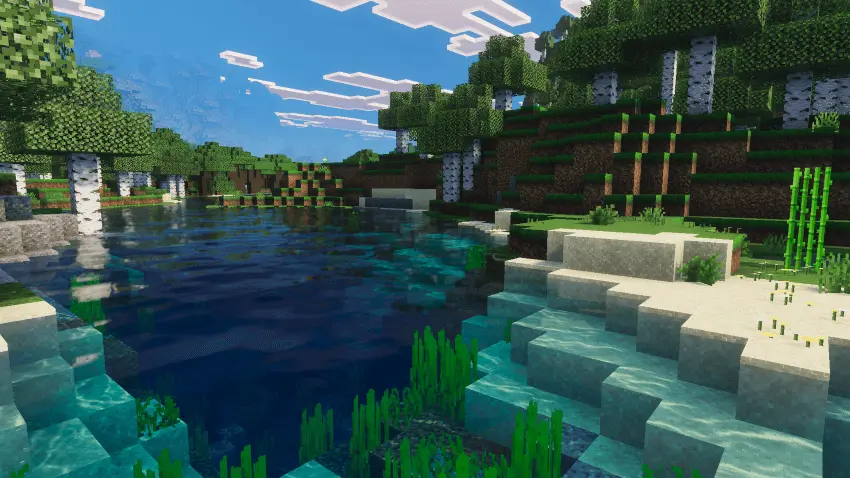
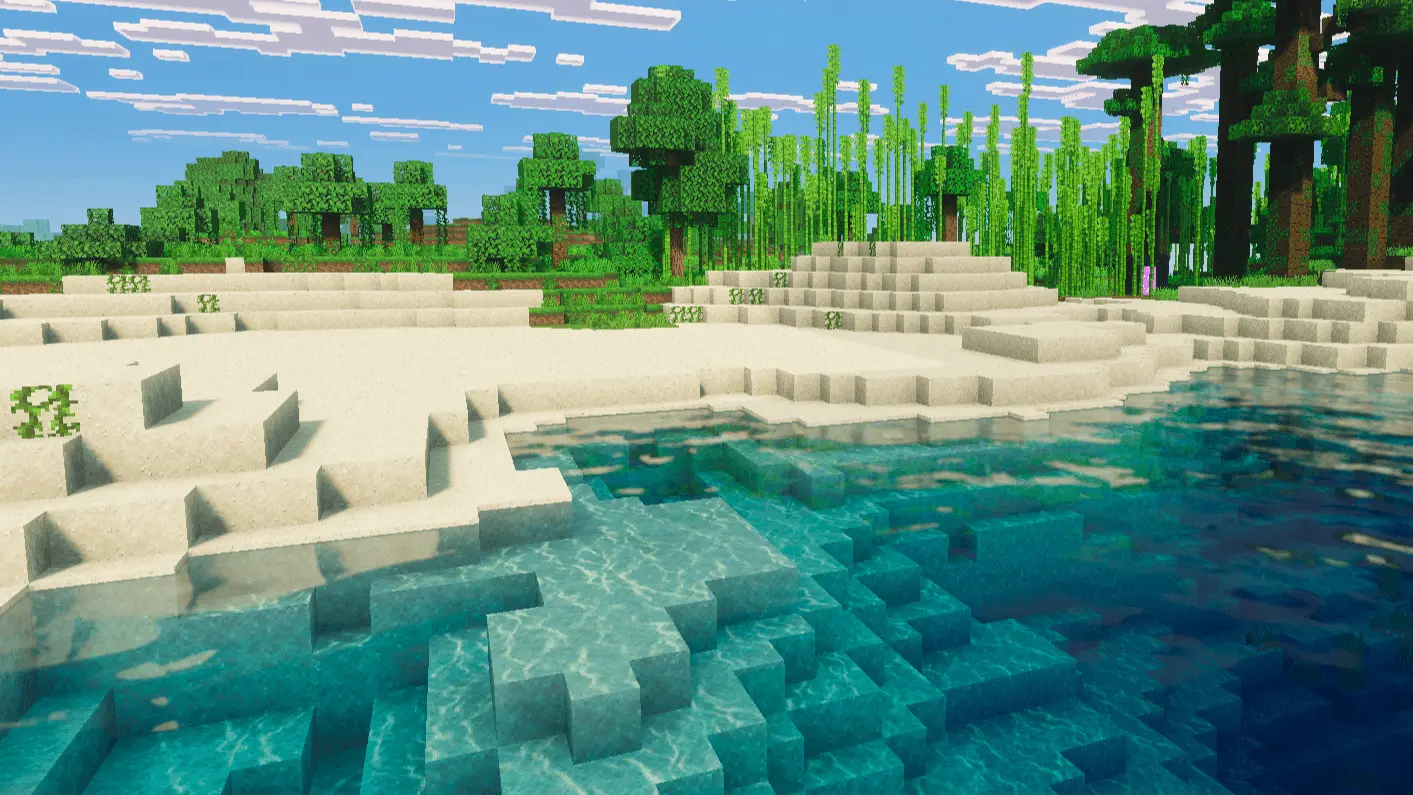
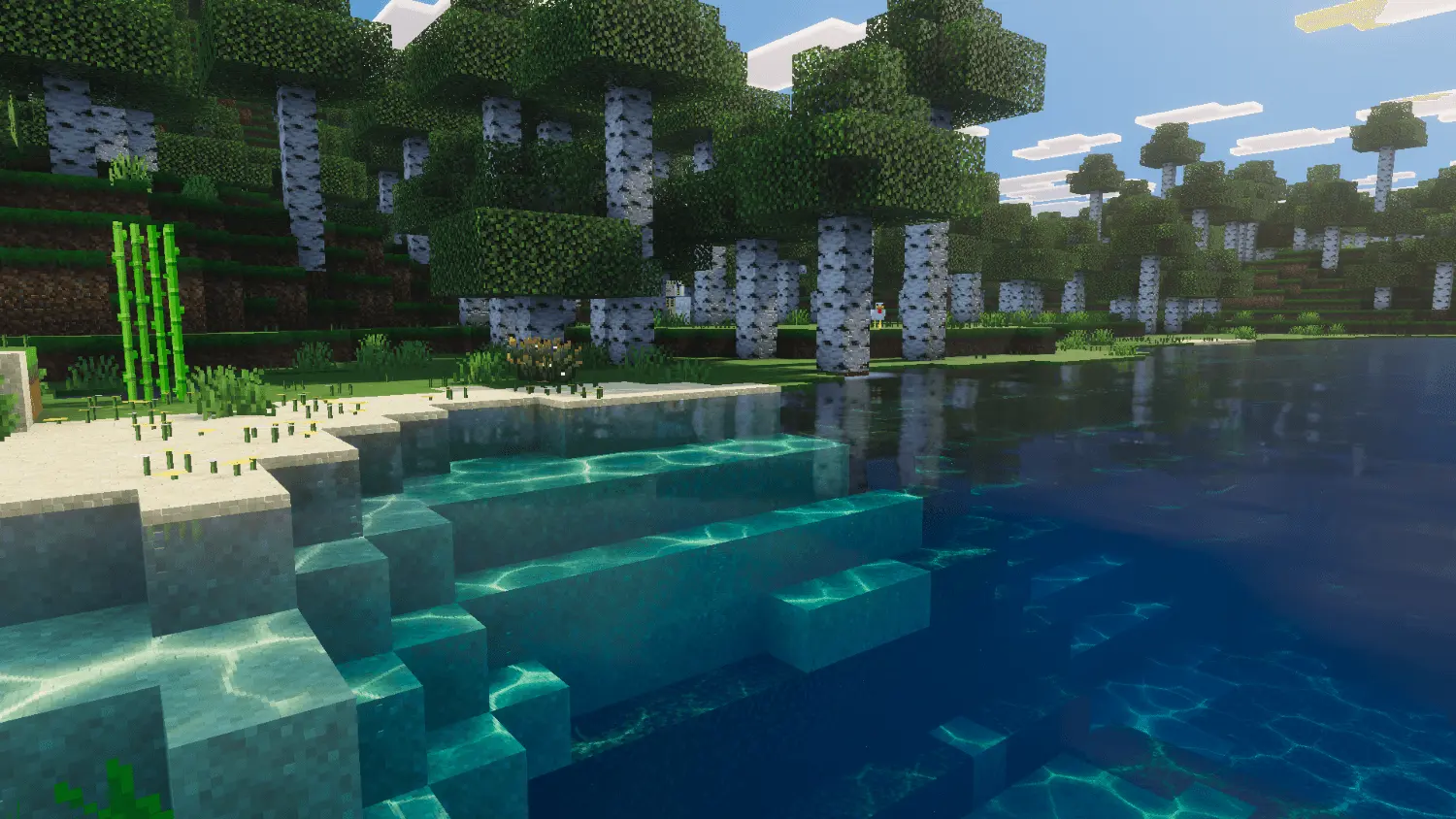
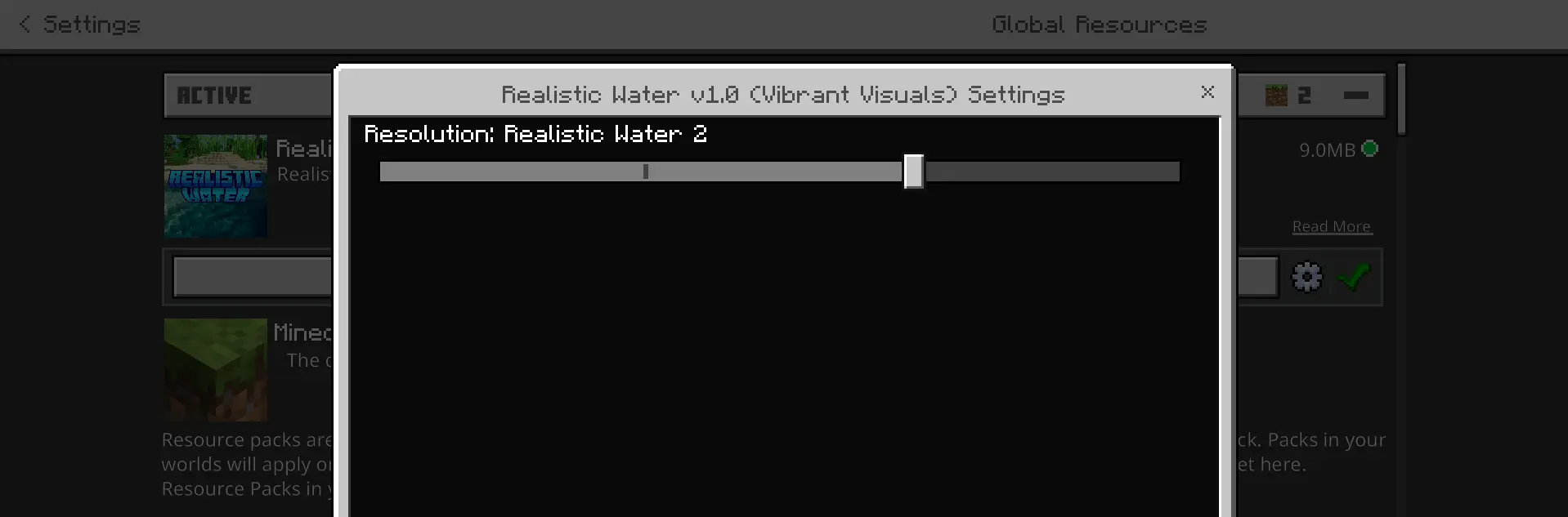
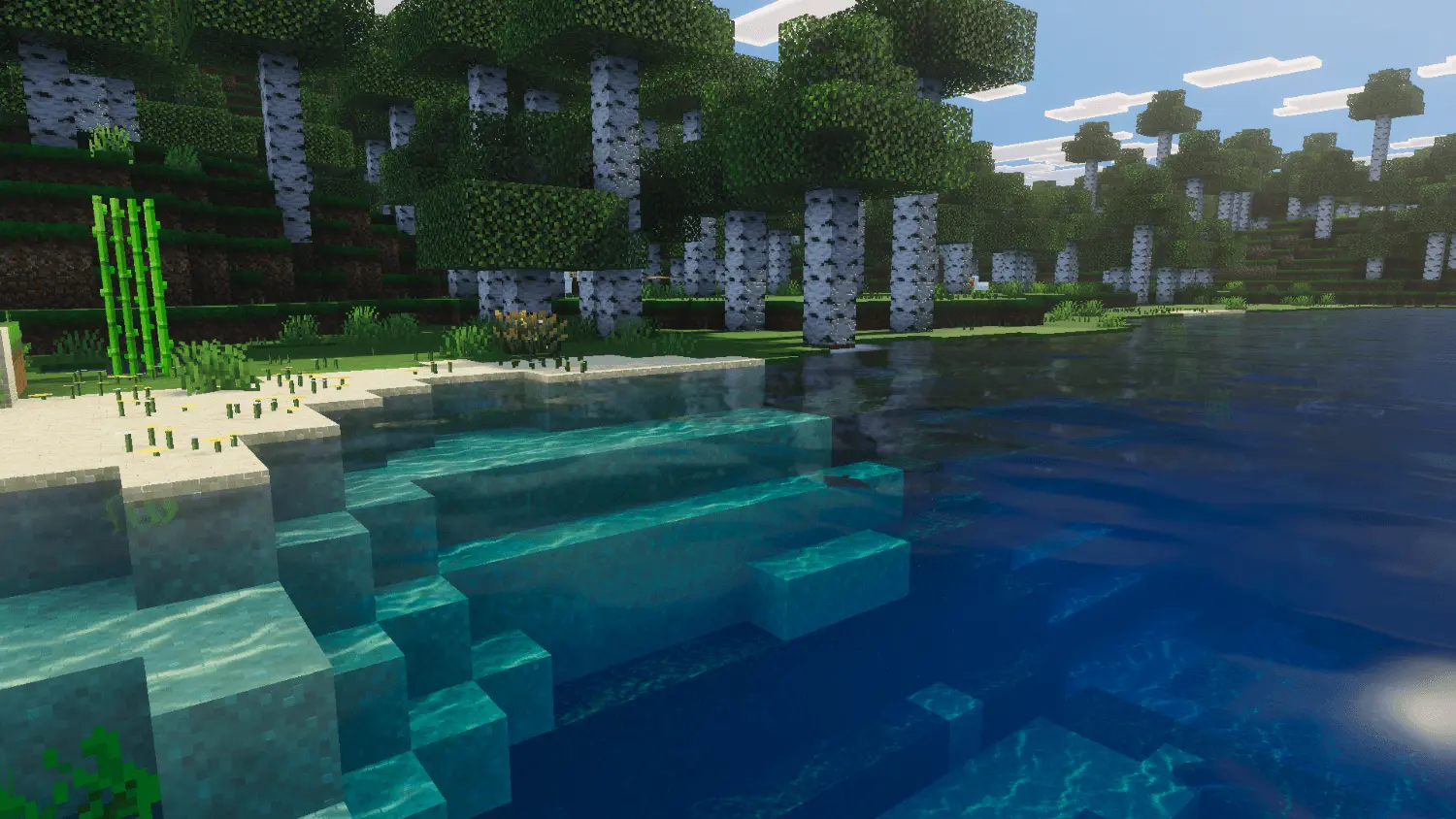
Since heavy water physics usually cause major lag spikes, this file relies on a subpack slider. You just pick the setting your phone or computer can actually run. Tier 1 gives a tropical lagoon vibe with bright reflections, which requires high-memory devices. Tier 2 is a standard ocean with gentle waves. If you spend time building underwater, Tier 3 lowers the particle count so you get clear visibility straight down to the sea floor. There is also a vanilla setting for low-end hardware.
Setup takes about ten seconds. Open your global resources and make sure the Realistic Water pack sits directly above any other Vibrant Visuals packs you have active. This simple load order ensures the new textures load properly.
How to install?
- Download resource pack;
- Run and open the .mcpack file in the game;
- Select a texture in the menu;
- Enjoy!
Comments (0)