Orange Birch Shader
- 29-06-2026, 11:21
- 269
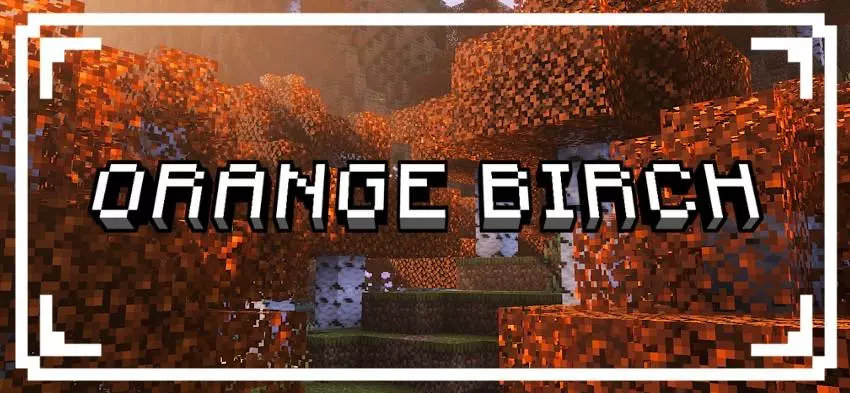
Autumn Vibe Check: Orange Birch Shader
Let's be honest, standard birch forests in vanilla Minecraft are usually the most boring biomes to look at. If you want to add some serious seasonal atmosphere to your survival world without downloading a massive, heavy modpack, the Orange Birch Shader is exactly what you need.
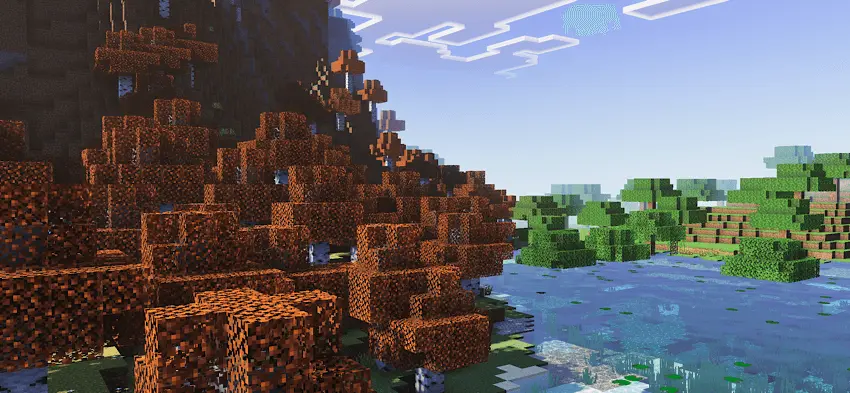
It does exactly what the name implies. It takes those basic green birch leaves and completely swaps them out for a beautiful, rich orange color. Whether you are building a chill cabin in the woods, setting up a seasonal server hub, or just want your environment to feel a little more aesthetic while you're grinding for resources, this simple color swap makes a huge visual difference.


But the absolute best part about this pack is the seamless compatibility.
First off, it fully supports the new Vibrant Visuals engine. So if you are already running those next-level lighting and shadow upgrades on your Bedrock client, this texture pack won't break them. The new lighting mechanics, like subsurface scattering and dynamic sun rays, will actually shine right through the orange leaves perfectly, making the whole forest glow during sunrise and sunset.
On top of that, it’s designed to be completely modular. You can stack it right on top of your other favorite resource packs in your load order without worrying about the game glitching out or textures fighting each other. It just works. If you want a super clean, fall-themed visual boost that requires zero effort to set up, definitely drop this into your rotation for your next playthrough.
How to install?
- Download resource pack;
- Run and open the .mcpack file in the game;
- Select a texture in the menu;
- Enjoy!
Comments (0)