Azure Visuals Shader
- 1-07-2026, 08:57
- 429

If you're sick of how washed-out and muddy vanilla Bedrock can get, Azure Visuals is the fix. The creator didn't bother trying to make things hyper-realistic with heavy shadows. They just took the saturation slider and completely maxed it out.
The biggest difference you'll notice right away is the grass and leaves. Instead of that dull, dead green we usually get, the foliage shifts to this intense, bright lime color. It instantly makes your biomes feel way more energetic. The sky gets a massive overhaul too, trading the standard pale look for a deep, rich blue with really crisp white clouds.
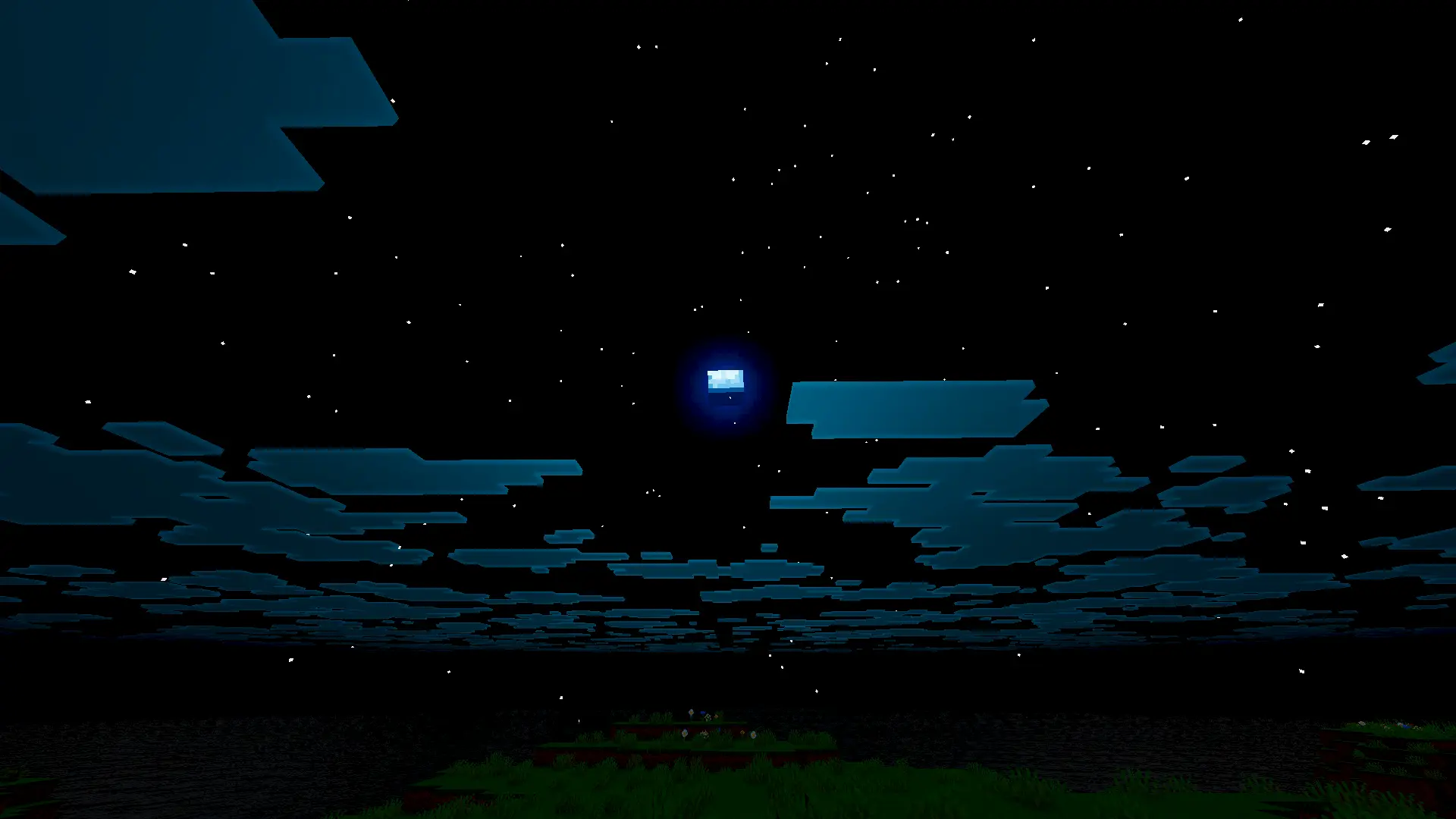
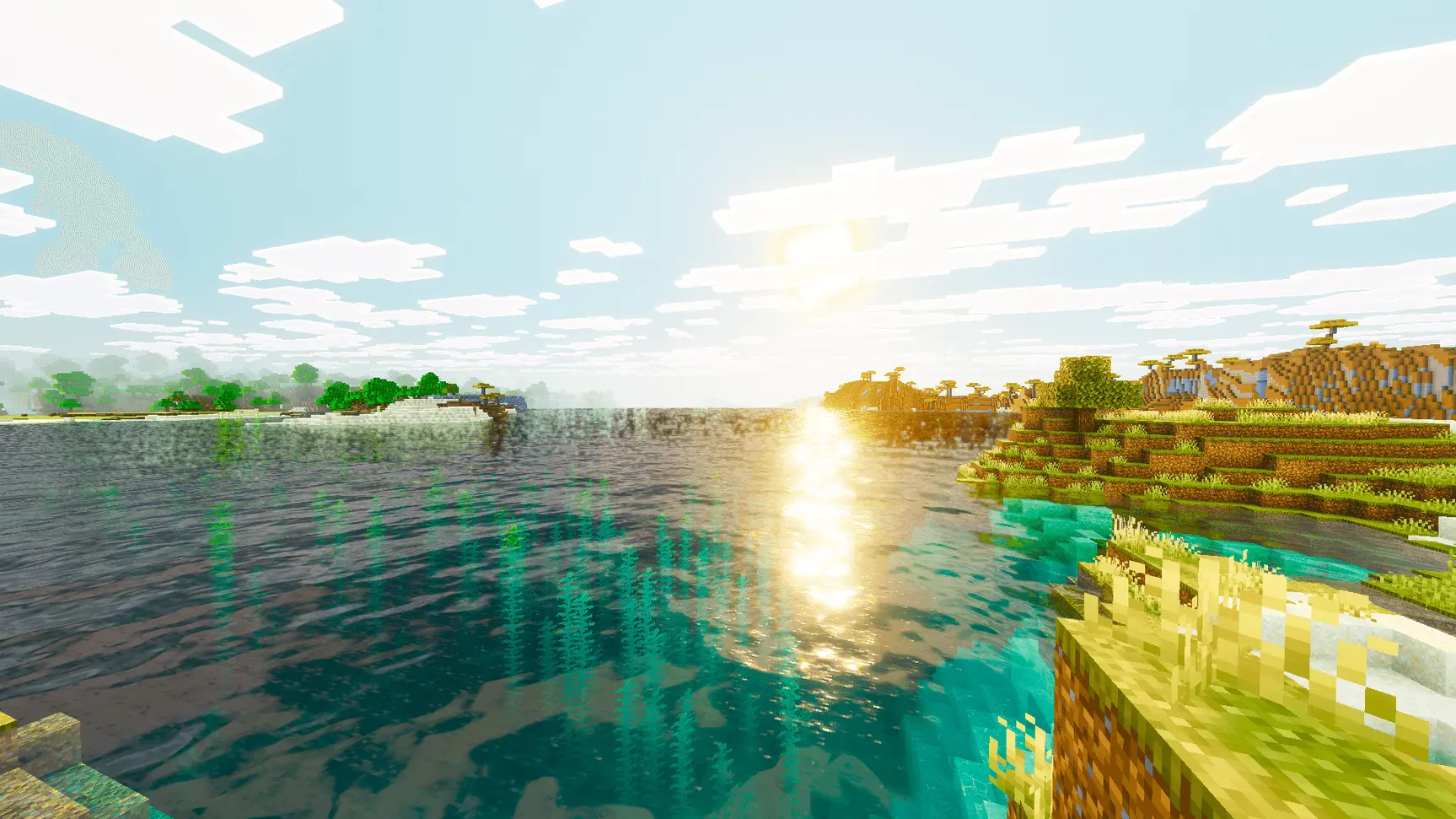
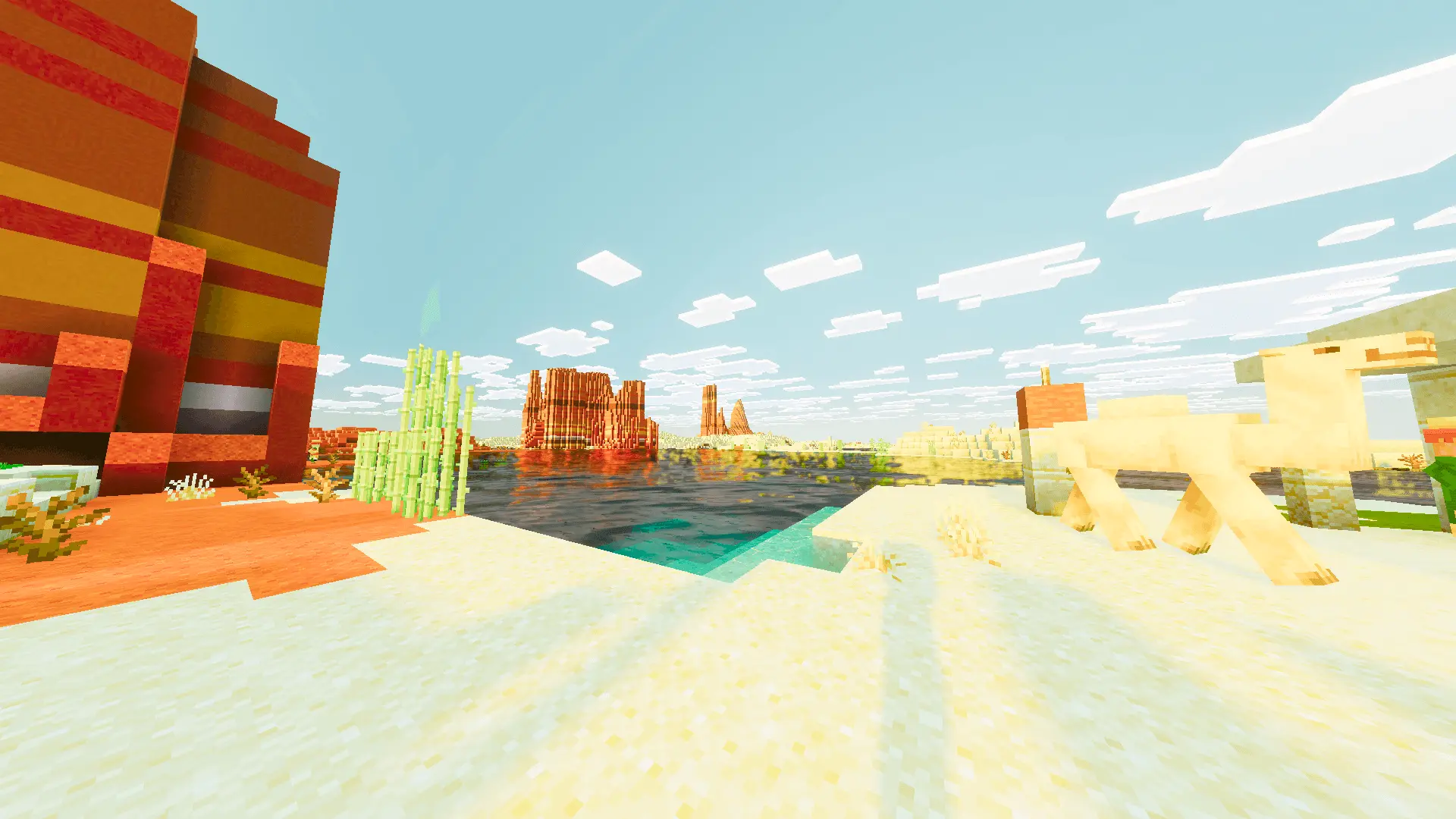
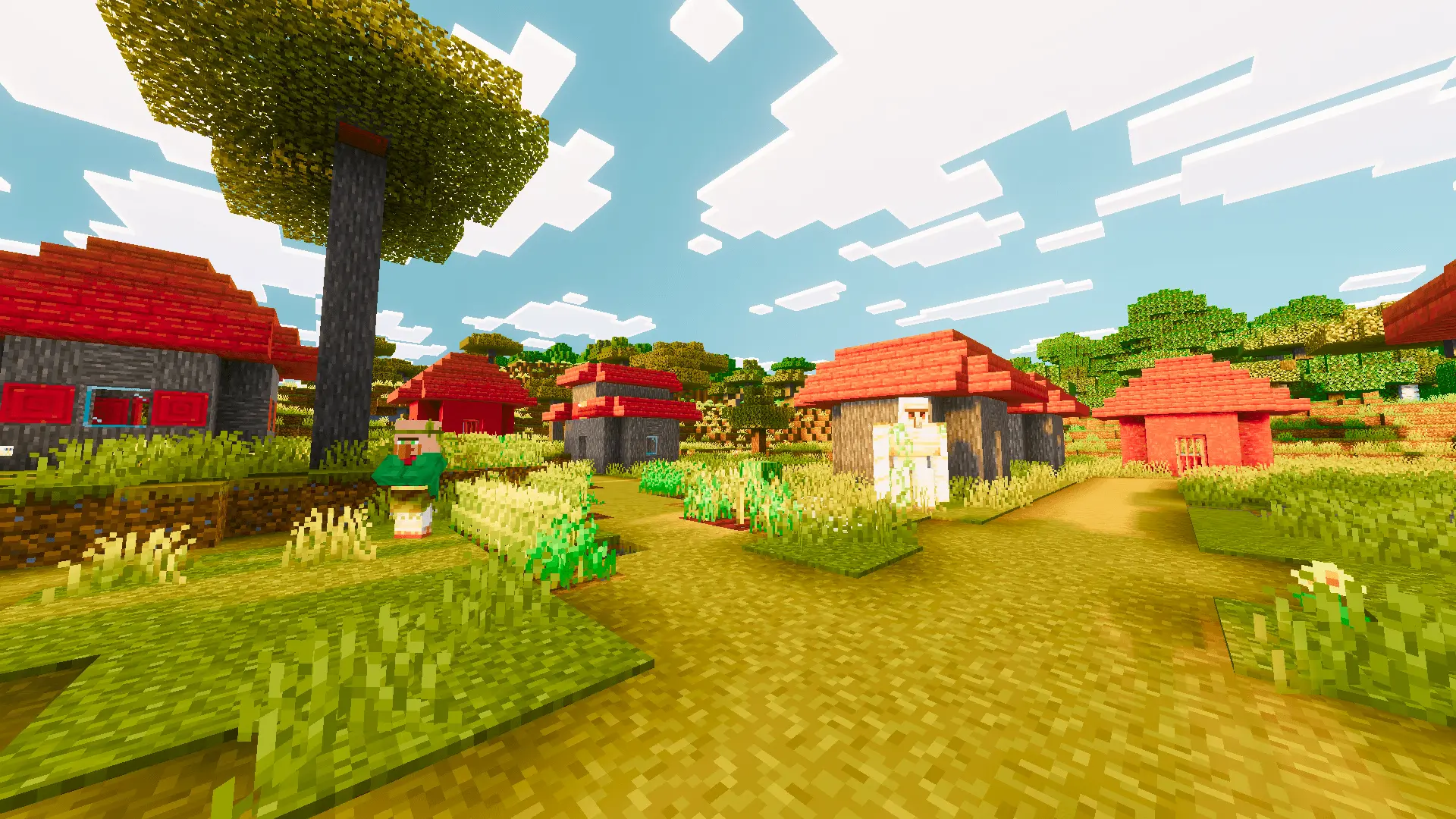
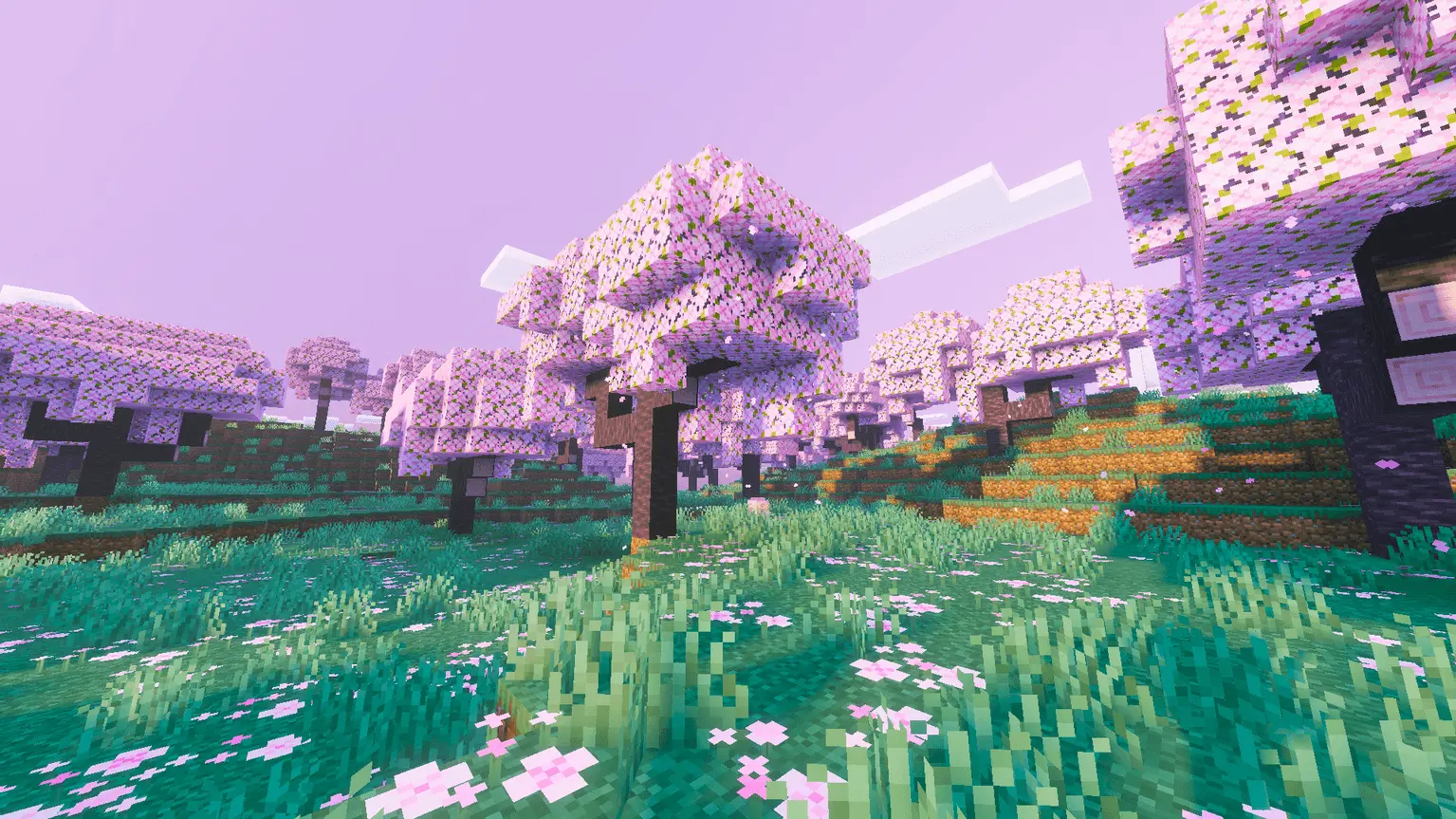
It also sharpens up the basic terrain and tree textures. There's a warmer tone added to the dirt and wood, so things actually look good when you're right up close to them. Plus, because the pack is mostly just bumping up the color grading and sharpness, the visuals still pop perfectly no matter how high or low your render distance is set.
Honestly, if you just want your survival map to look bright, bold, and actually alive without tanking your frame rate, just throw this pack on and load up your world. It's a super refreshing change of pace.
How to install?
- Download resource pack;
- Run and open the .mcpack file in the game;
- Select a texture in the menu;
- Enjoy!
Comments (0)