Solstice Visual Shader
- 30-06-2026, 10:37
- 393
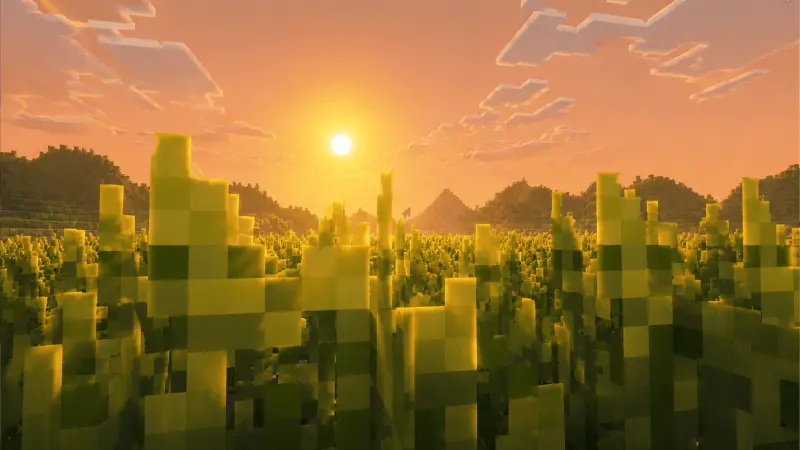
The Solstice Visual shader gives Minecraft Bedrock a cozy, nostalgic aesthetic. It uses Reinhard color grading to create golden sunrises and warm lighting that makes your survival world feel incredibly relaxing.
Vanilla graphics can feel pretty cold and harsh, especially during the morning cycle. If you want a setup that feels like chilling in a wheat field with a cup of tea, the Solstice Visual pack absolutely nails that exact vibe. It completely ditches the bright, punchy colors of standard texture packs and goes all-in on a relaxing, warm aesthetic. Playing your survival world suddenly feels deeply nostalgic and calm.
The creator of this pack didn't just slap a basic orange filter over the screen. It actually uses Reinhard color grading to balance out the lighting properly. Here is what you get when you boot it up:
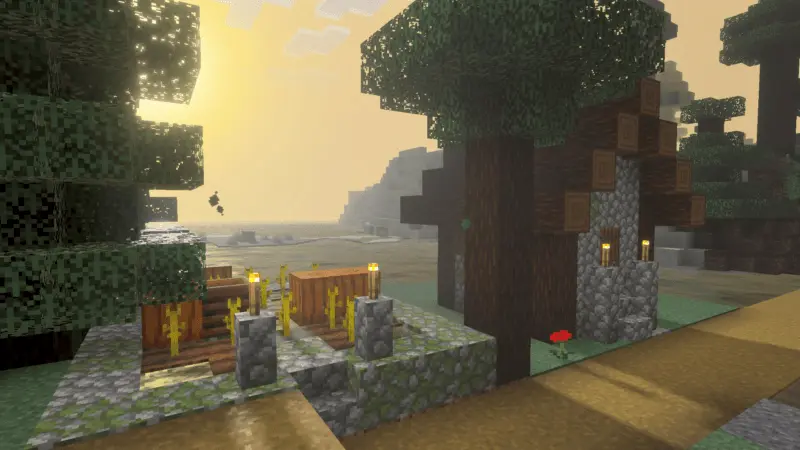
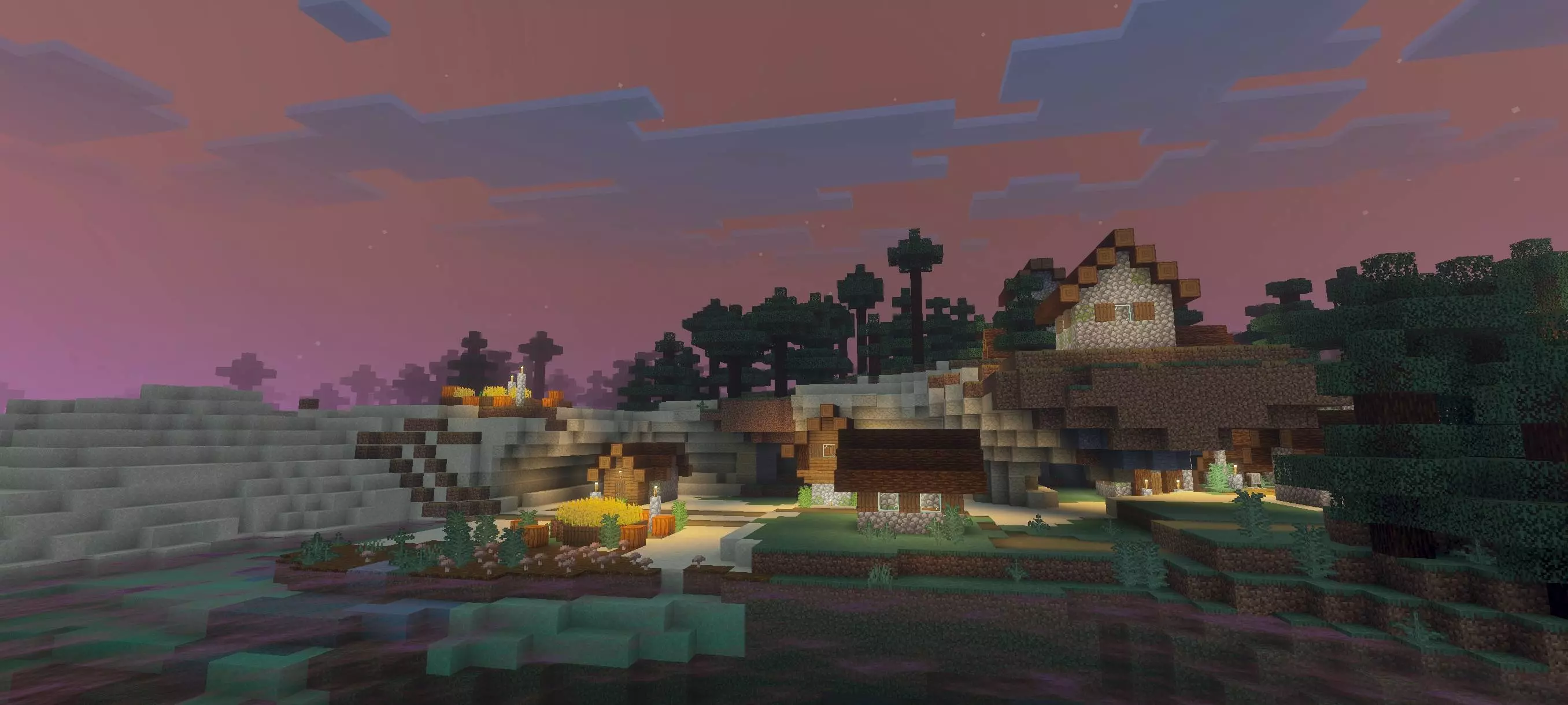
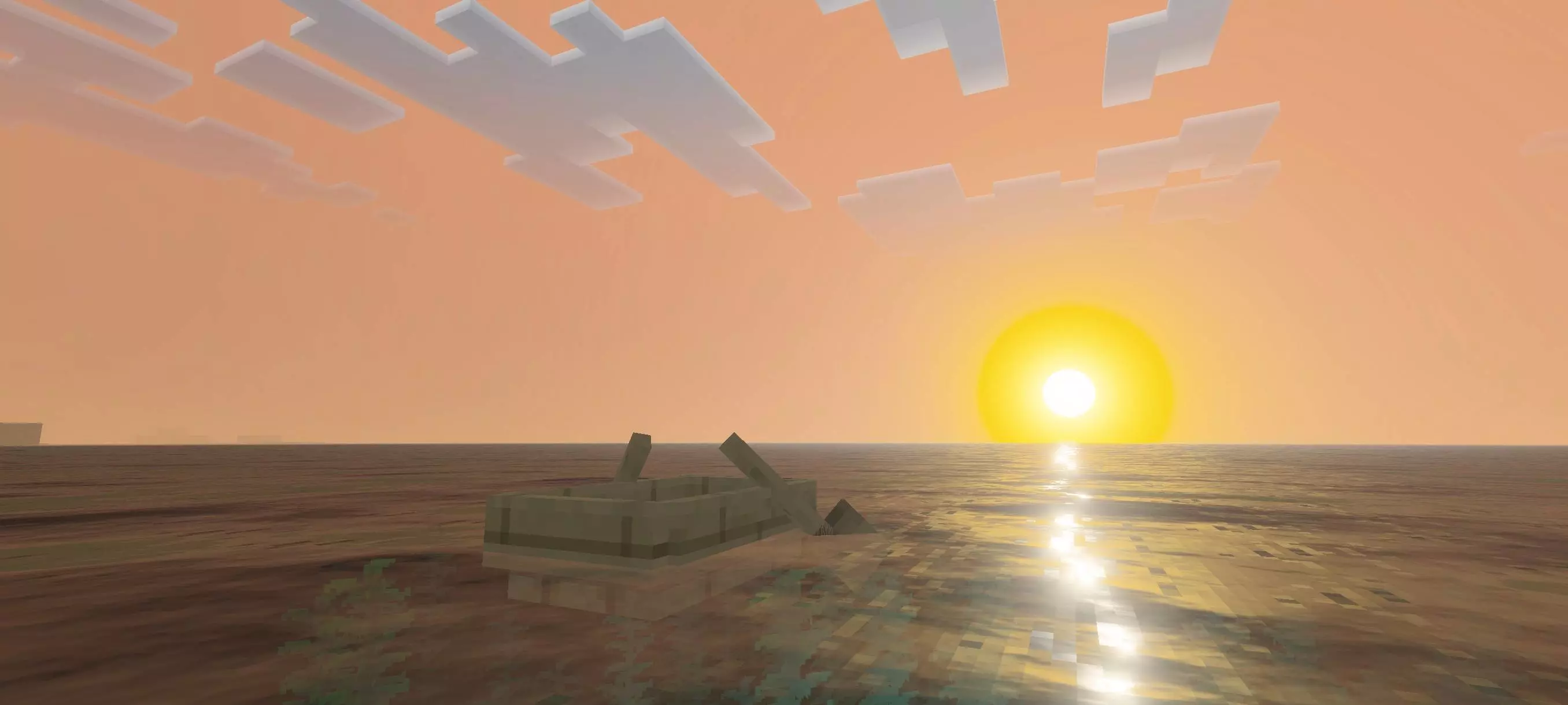
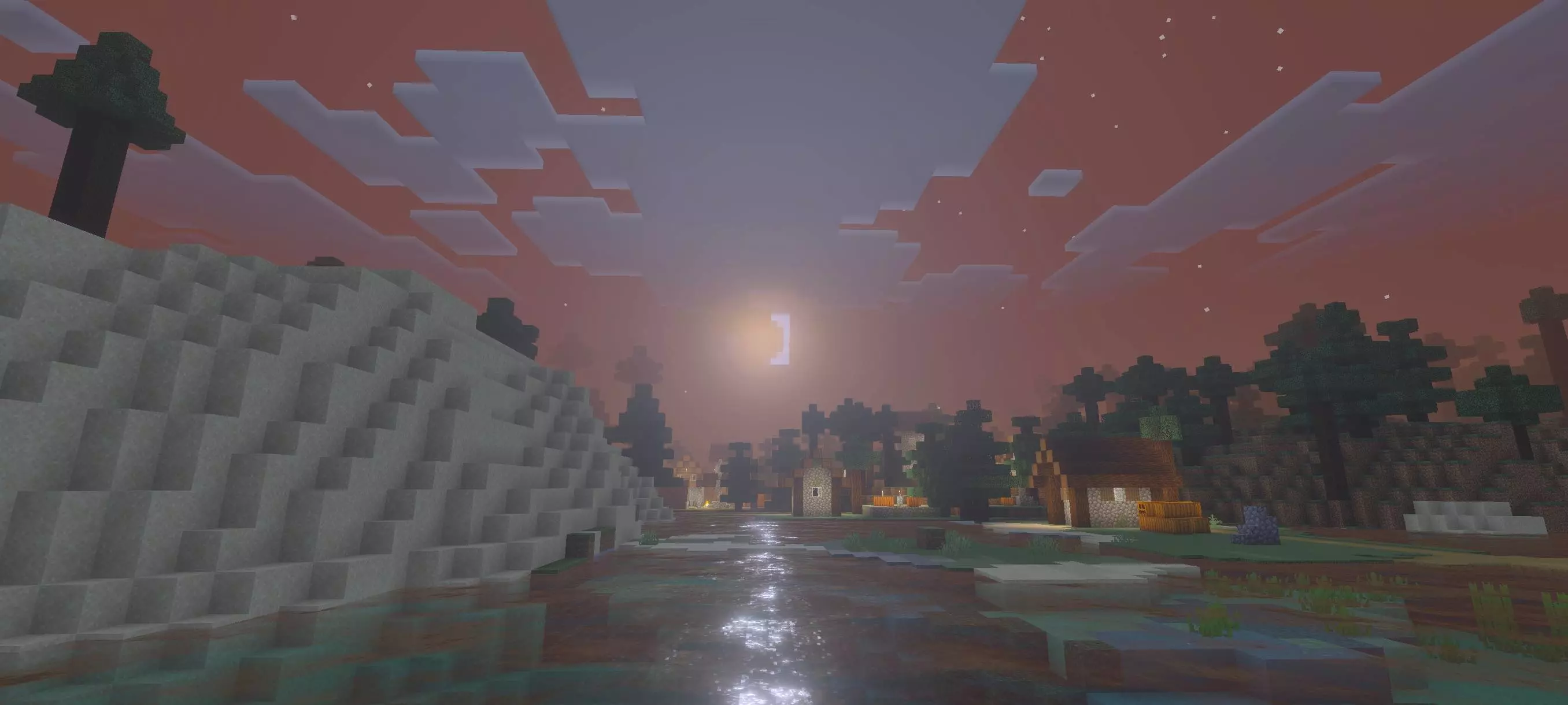
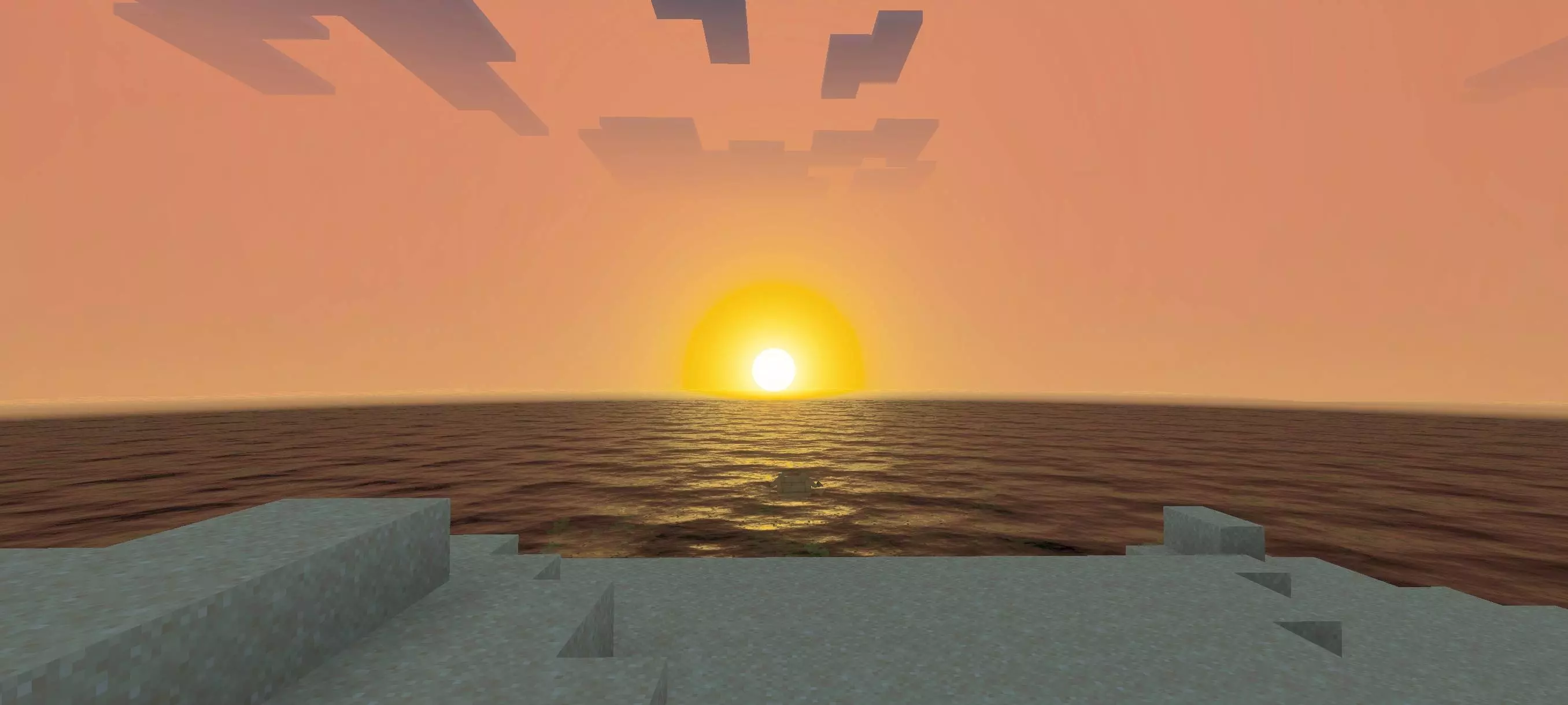
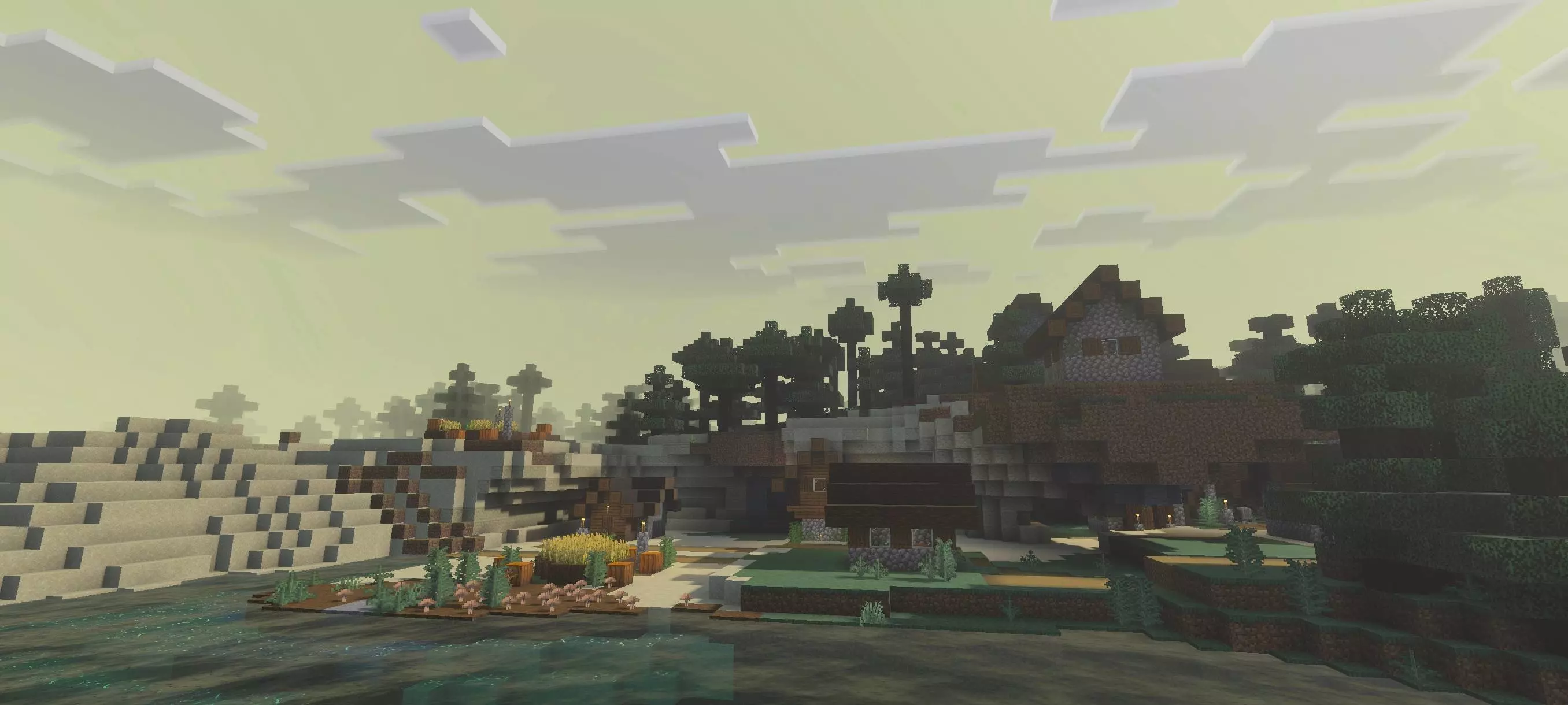
Heavy golden lighting that makes early mornings and sunsets look incredible.
Balanced highlights, meaning bright blocks won't blind you or look weirdly washed out.
A deeply warm, cozy atmosphere stretching across every single biome on the map.
It is the perfect Minecraft Bedrock shader for players who just want a laid-back farming or building session. You get a massive visual upgrade without dealing with intense, hyper-realistic shadows that tank your frame rate. You don't need any messy scripts to get it running either. Just drop the file into your active global resources. The game immediately applies the new color grading, letting you load straight into a perfectly warm, peaceful landscape.
How to install?
- Download resource pack;
- Run and open the .mcpack file in the game;
- Select a texture in the menu;
- Enjoy!
Comments (0)